Group members
The Group members page indicates which user is a member of a particular group and to which groups a particular user belongs.
Go to Administration → User management → Group members.
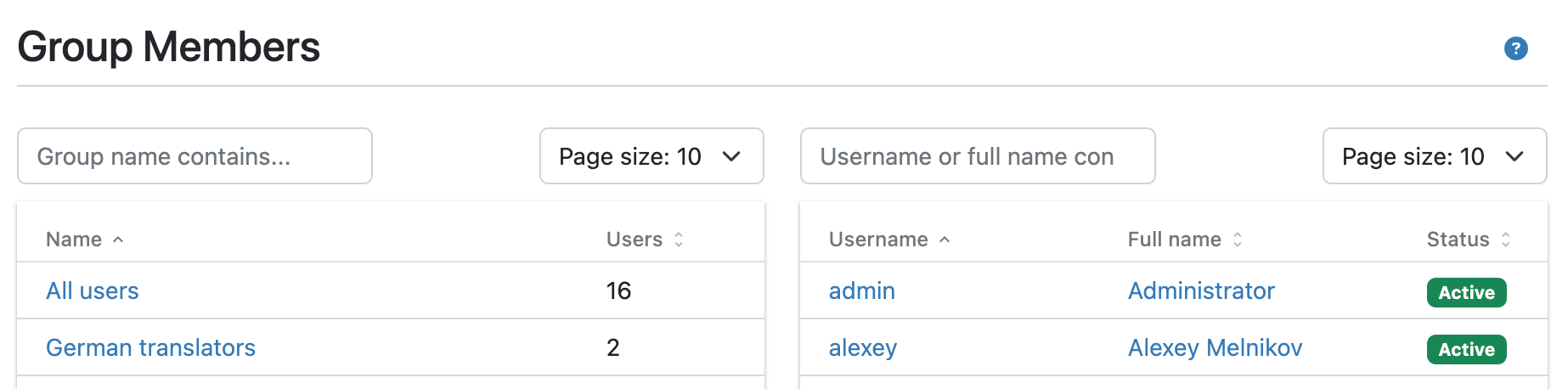
Columns can be sorted (ascending or descending) on the basis of the group name, number of users, usernames or status by clicking on the relevant column heading.
You can either click a group name to find out which users are members of the group or click on
a username to find out and change the groups to which a user belongs. You add users and
groups by selecting the name in select, or delete by clicking x near user username, and then confirming by
clicking Save.
See Permission schemes how to configure access rights for user groups.