Quick Import
Quick Import automatically creates a new dictionary based on the structure of an existing dictionary file. The Quick Import feature is available via:
-
Administration → Terminology → Dictionaries
The Quick Import feature is listed at the bottom of the Dictionaries page.
Using the Quick Import feature
Provide a dictionary name in the Dictionary name field, browse for and select the dictionary export file and click Create Dictionary and Import.
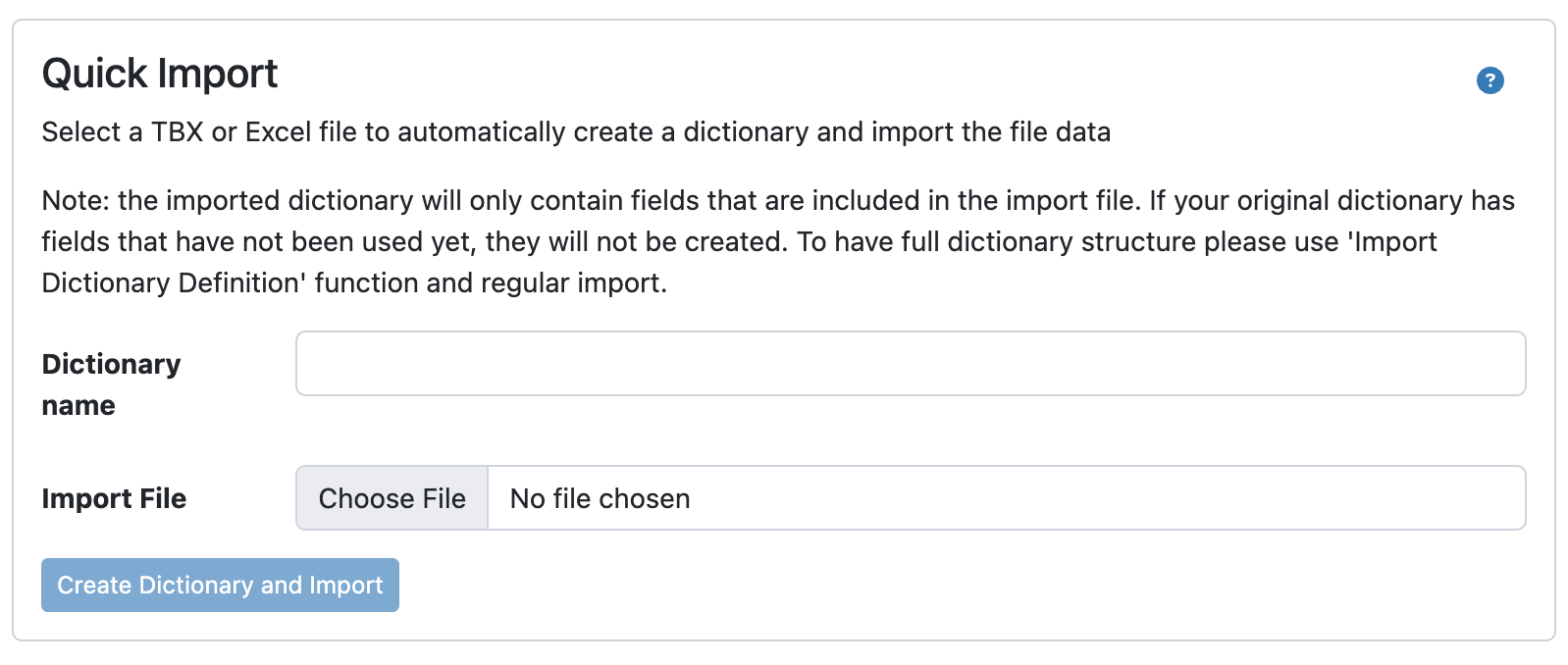
If you import an Excel or TBX file using the Quick Import option a dictionary structure can be created automatically. Please note that also domains and subdomains will be created automatically, but picklist fields, such as Part of speech, may be created as single-line text fields. Administrators can change the field to picklist or multi-value picklist by using the Generate picklist from existing values option in the dictionary definition. Additionally, no mapping can be done during the import process. If mapping is required, please create the dictionary and use the Import Settings function.