Scheduled Jobs: Regular automated exports of term data
Here, you can automate the export of terminology data. (Please note that also scheduled actions resulting from workflows are listed here.) Proceed as follows to schedule exports: Go to Administration > System > Scheduled Jobs. A list of currently defined jobs will be displayed.
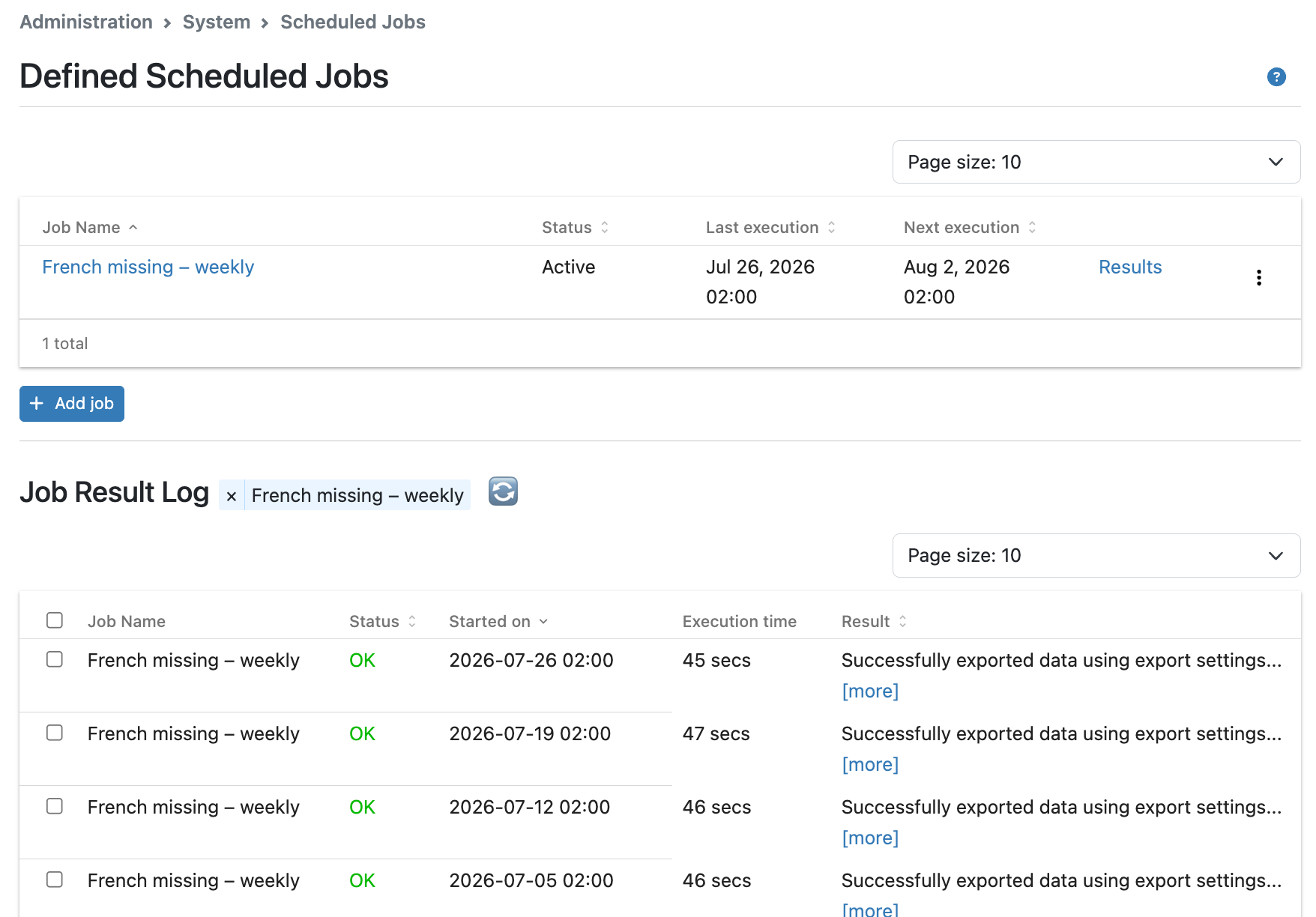
Here, you can select to order a job to be run immediately (Run now), as an example to make a test export, refresh the list (click the circular arrows , 🔄), and view the results of a certain export (click [more] and the file link that is displayed). You can also delete selected exported files with their corresponding log entries and from the job result log.
To add a job:
-
Click Add job.
-
How to configure job, read next article about configuring
Scheduled job