Exporting and importing user and group information
The Export all users and groups to file allows for the transfer of all Users and User groups to a downloadable XML-file. This can be used either to recreate all Users and User groups in another TermWeb client or as a back-up. Please note that all Passwords are exported but unrecognizable due to encryption. User settings such Date format preferences are not transferred.
Users with the User editor, Administrator or System Administrator role can access this feature by visiting:
Administration > User management > Groups or Admin > User management > Users or Groups
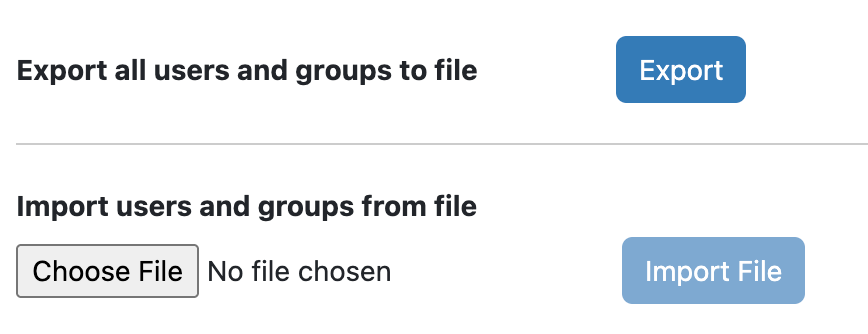
Click Export and save the file.
When you want to import the user setup to the new environment;
-
Click "Choose File" and select the exported TermWeb_users_groups.xml file.
-
Click Import File. The following dialog will be displayed:
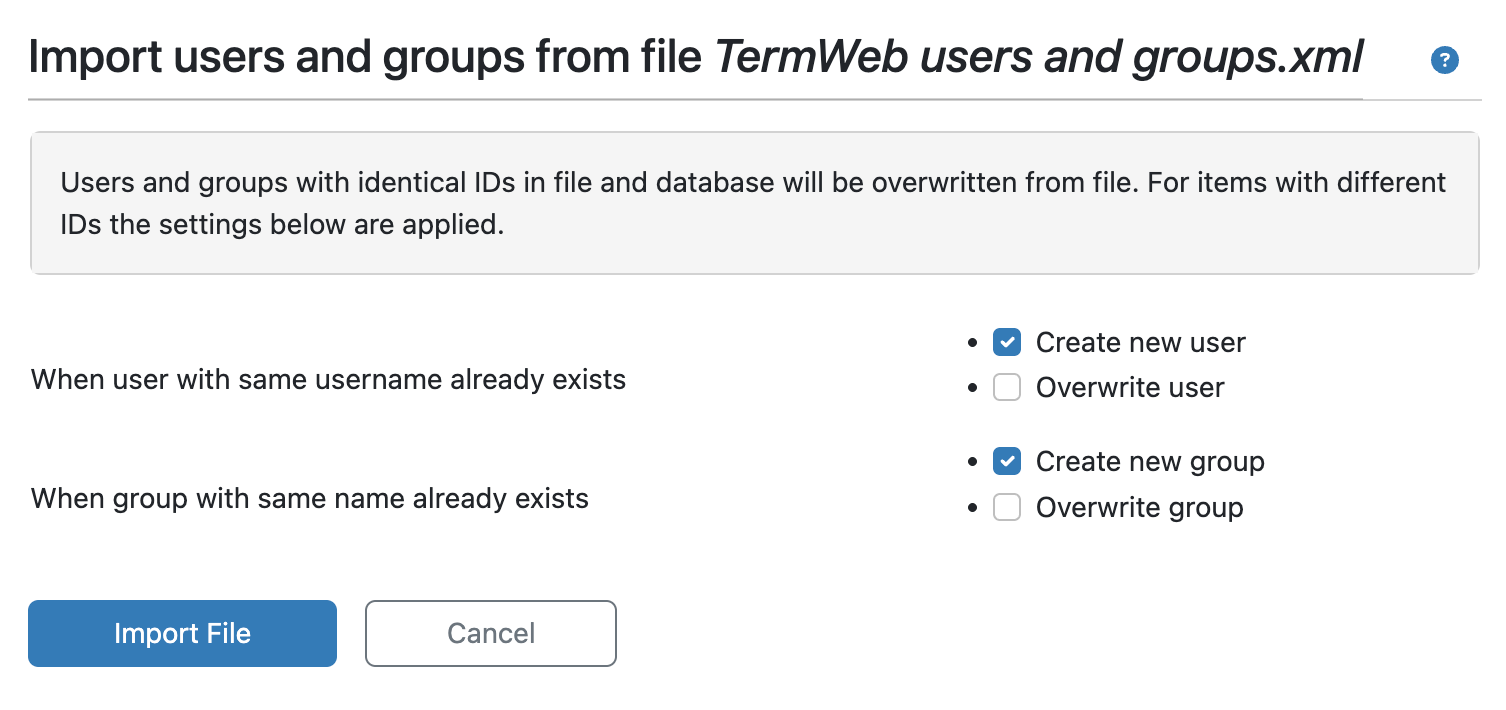
Here, you can select to create a new user/new group, if a user/group with the same name already exists in the new client or just overwriting existing users/groups with the ones in the imported xml file.
Please note that you will have to review and set group membership, permission schemes, etc. after users, groups (and dictionaries) have been imported to the new environment.